Turn photos into print-ready designs
Your customers upload a photo, pick a style, and see their personalized design in seconds. When they order, you get the high-res file ready for production.
Not accepting new installations
Autopictura is not accepting new installations right now. We're focusing on our existing merchants for the time being. Existing merchants are not affected.
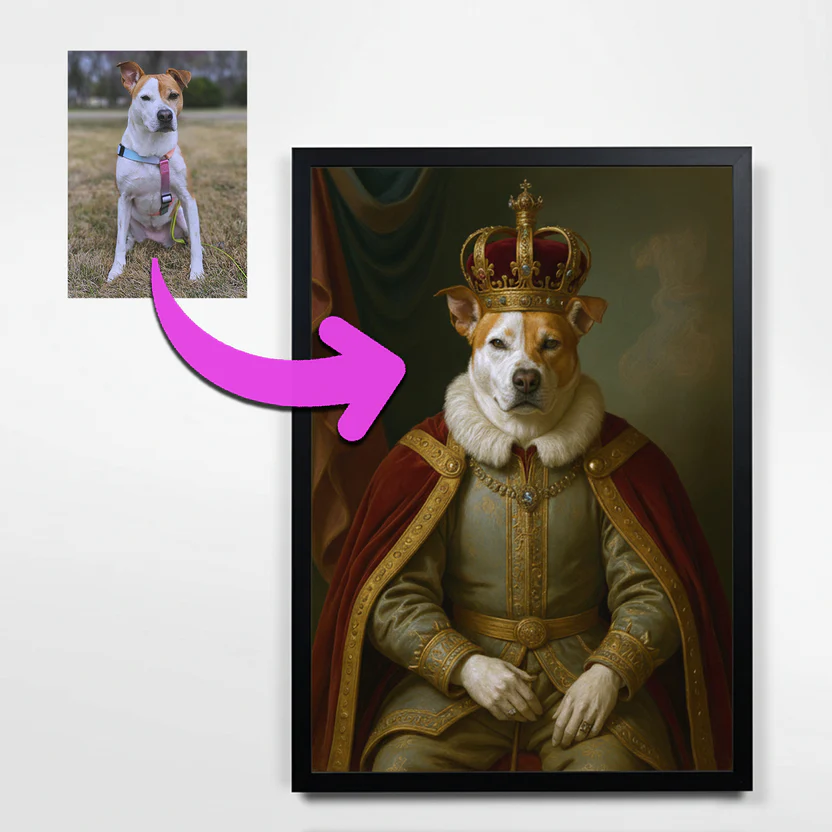
From photo upload to production file
Your customers design their own products. You focus on fulfillment. Autopictura bridges the gap with real-time previews and automated final design generation.
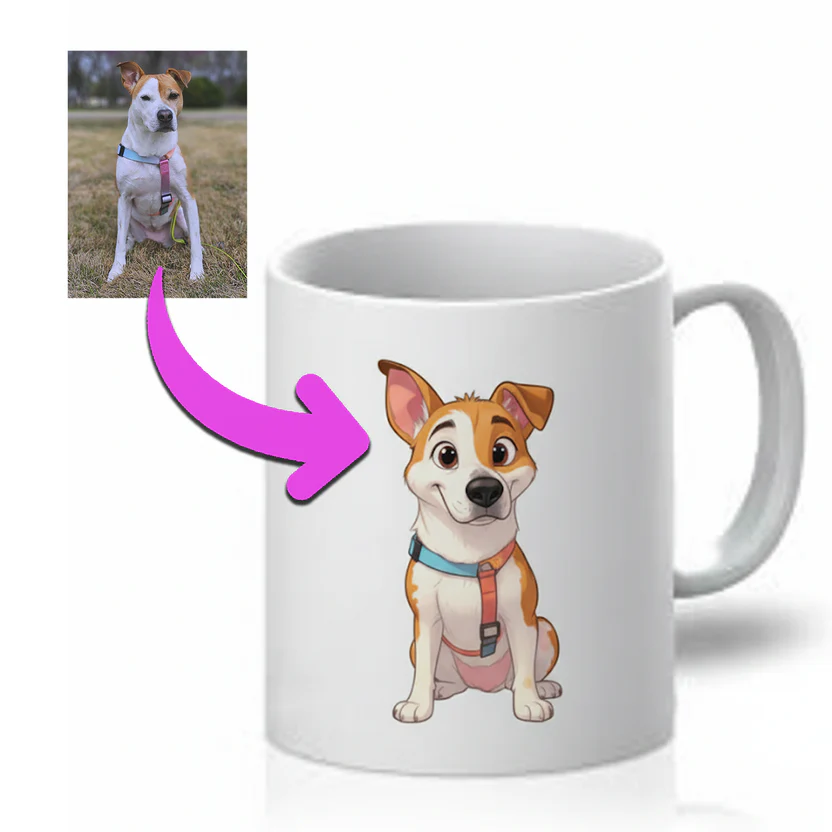
Your brand, your styles
Create AI style templates that match your brand. Customers pick from your curated options — you control the look.
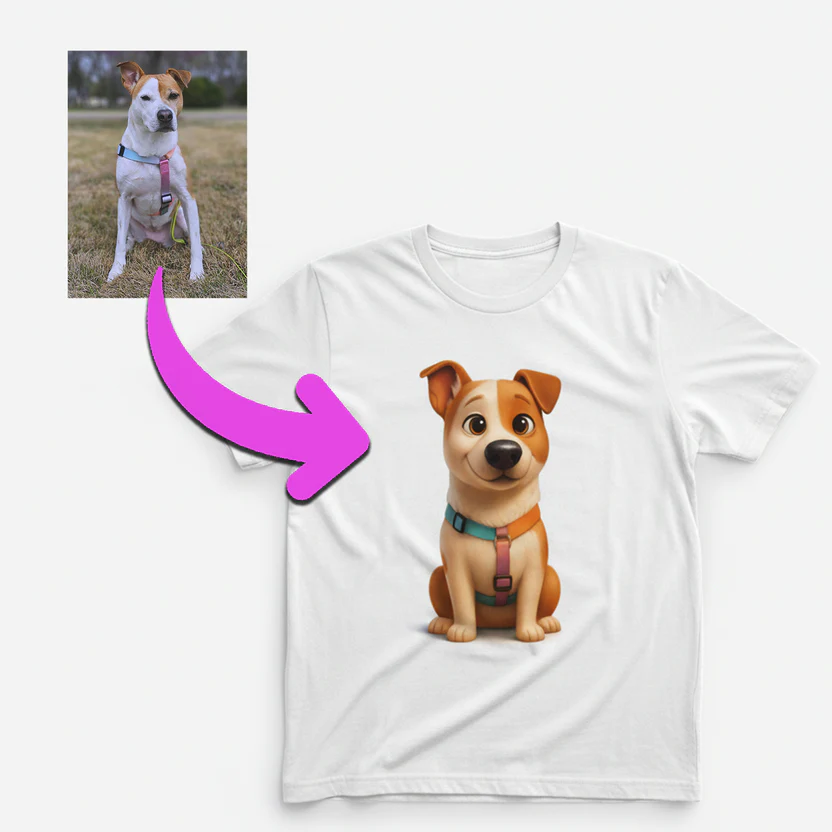
Previews that sell
Customers see their personalized design before checkout. Watermarked previews build confidence and reduce returns.
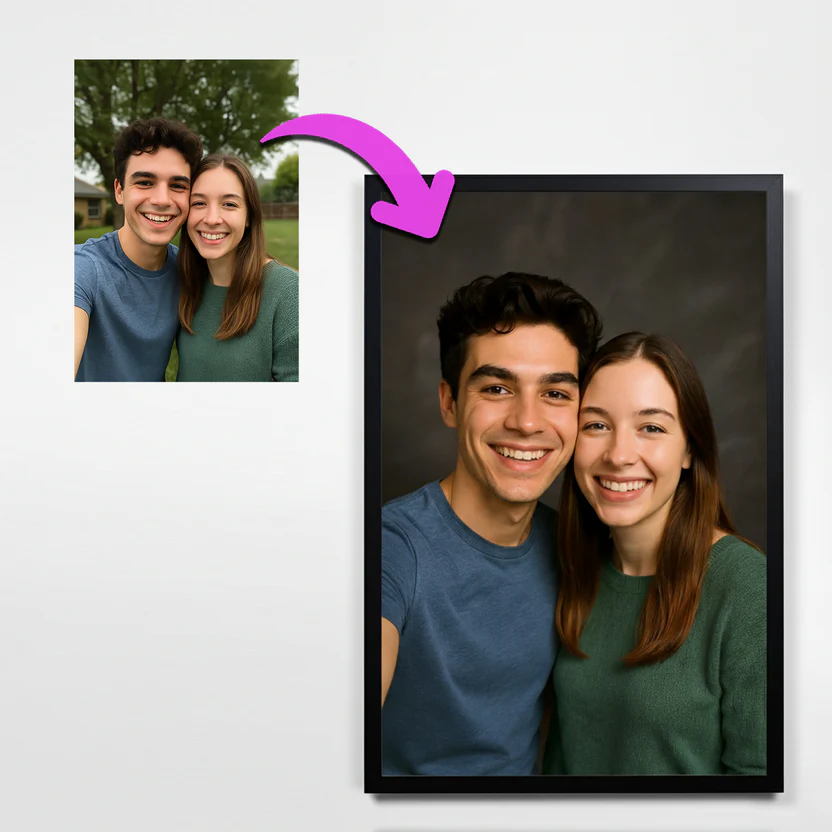
Production files on autopilot
When an order is paid, the high-resolution design is generated automatically — sized for your product variant and ready for your fulfillment provider.
See what your customers can create
Pet portraits, custom apparel, personalized gifts — all generated from a single photo upload.
Custom cartoon mug design
AI generated t‑shirt design
Poster design with AI styling
Royal pet portrait design
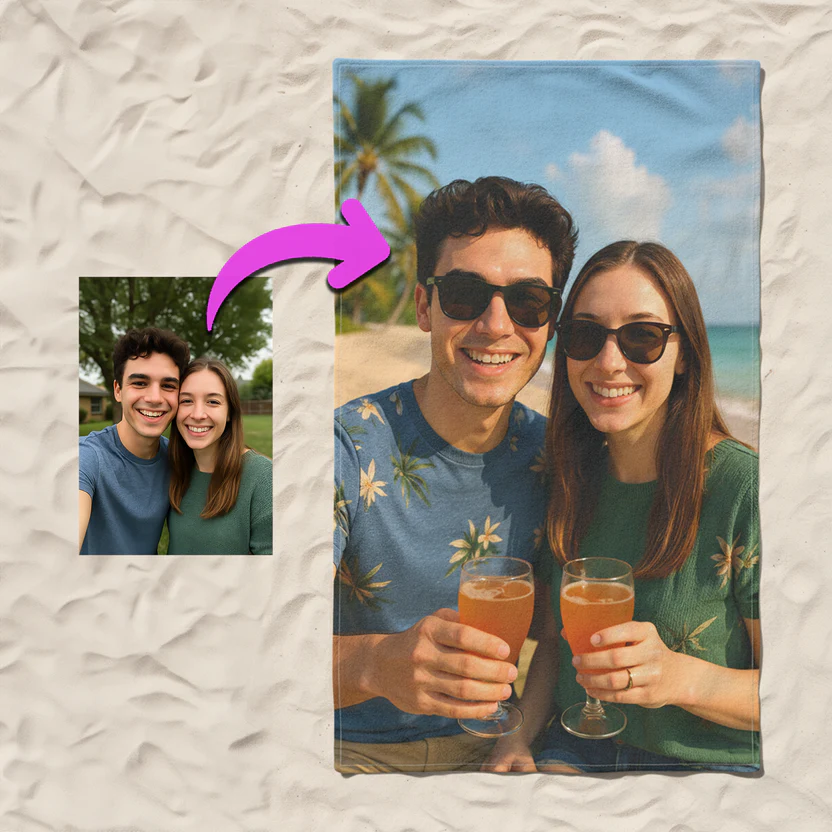
Custom towel print design
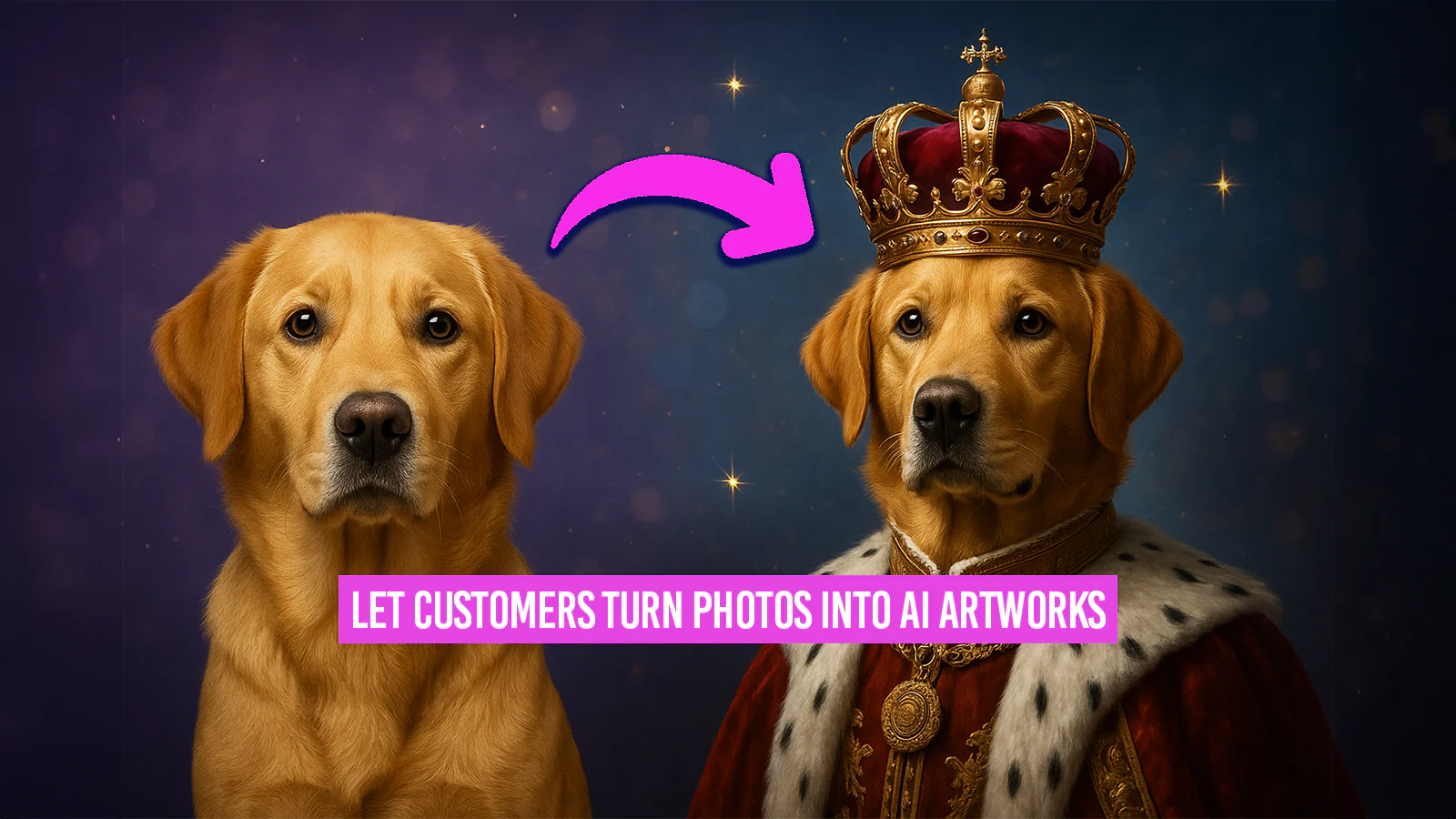
Autopictura banner example
Everything you need to sell personalized products
Native Shopify integration with download links on line items, automatic upscaling, and a design history view.
One-click install
Install from the Shopify App Store. OAuth handles permissions. No code changes needed.
15+ AI models
FLUX, Gemini, ByteDance, and more via FAL.ai. Missing a model? Just message us.
Reusable templates
Create once, use across products. Assign styles by product or variant.
Protected previews
Customers see their design watermarked until they pay. You stay protected.
Downloads on line items
Final designs attached directly to order line items. Your fulfillment team gets one-click access.
Automatic upscaling
Upscale designs for large-format printing. No extra steps — just enable it per style.
Design history
See what your customers are creating. Browse all generated designs in your admin.
Trusted by Shopify merchants
Real feedback from stores using Autopictura.
Super easy to use and perfect for creating AI artwork directly inside Shopify. My customers love being able to upload a photo and instantly see a styled preview. The app runs smoothly, the results look amazing, and support is fast and helpful. Highly recommended for any store selling personalized products!
The support is directly the developer guy. He is very helpful and done many of my custom needs. App works smooth, results are good and many ai model choice is available. Recommend the app. I use it for canvas and tshirt printing.
Fantastic app, allows you to pick your AI model and let your customers do their own image transformations, game changer. Easy to set up and fast support response from their team, love it!
Pricing that scales with your store
Start with 50 orders included. Upgrade as you grow. Every plan includes a 7-day free trial.
Starter
$49/month
For stores testing personalization
- 50 monthly orders included
- Extra orders at $1.50 each
- $9,999 monthly cap
- 7 day free trial
- Use your own API key
Growth
$149/month
For stores with steady order volume
- 300 monthly orders included
- Extra orders at $1.25 each
- $9,999 monthly cap
- 7 day free trial
- Use your own API key
Business
$399/month
For established stores with high demand
- 1,000 monthly orders included
- Extra orders at $1.25 each
- $9,999 monthly cap
- 7 day free trial
- Use your own API key
Enterprise
$999/month
For large operations needing capacity
- 2,500 monthly orders included
- Extra orders at $1.00 each
- $9,999 monthly cap
- 7 day free trial
- Use your own API key
Unlimited plan
For high-volume stores that want predictable costs
Unlimited
Truly unlimited AI generation - no caps, no limits
- Unlimited monthly orders
- No overage charges
- No monthly cap — never stops processing
- 7 day free trial
- Use your own API key
- White-glove support & onboarding
- Priority feature requests
Choose the right AI model for your products
Different products need different styles. Pick from FLUX, Gemini, ByteDance, and specialized workflows.
Image Generation & Editing
FLUX.1 Kontext [pro]
High-quality text-to-image generation with excellent detail and consistency
FLUX.1 Kontext [max]
Maximum quality text-to-image generation at highest fidelity
ByteDance Seedream 4.0 Edit
Advanced seed-based image editing with Seedream 4.0 technology (supports up to 10 input images)
Nano Banana Edit (Gemini 2.5 Flash Image)
Advanced image editing using Gemini 2.5 Flash Image with day 0 access
Gemini 3 Pro Image Preview (Nano Banana 2) - 1K
Next-generation image editing at 1K resolution with state-of-the-art quality
Gemini 3 Pro Image Preview (Nano Banana 2) - 2K
Next-generation image editing at 2K resolution with enhanced detail
Gemini 3 Pro Image Preview (Nano Banana 2) - 4K
Next-generation image editing at 4K resolution with maximum precision
Upscaling & Enhancement
Recraft Crisp Upscale
High-quality image upscaling with crisp detail enhancement
SeedVR2 Upscale
High-quality image upscaling with SeedVR2 technology
Upscale + Background Removal
Upscales images and removes backgrounds in one automated workflow
Specialized Workflows
Moondream + FLUX.1 Kontext
Uses Moondream to identify objects and applies FLUX.1 Kontext for style transfer
Nano Banana + Background Removal
AI editing with multiple image inputs and background removal
What's new
Recent updates and new features.
Nano Banana 2 Edit model now available
Nano Banana 2 Edit has been added to our AI model options in 1K, 2K, and 4K resolution variants, each available with or without web search enabled. Web search variants use the latest information from the web to enhance image editing results.
Theme Extension Updates: View Design Button & More
Customers can now view their personalized designs on order status pages! Plus: new draggable app block for flexible placement in your theme editor, Dutch language support, and improved Paper theme compatibility.
Watermark & Preview Settings now available
Protect your preview images with custom watermarks! Upload your own PNG watermark, adjust opacity, and set maximum dimensions for preview images. All previews are now served as optimized JPEGs. Configure these settings in the Settings page.
Gemini 3 Pro Image Preview now available with DAY 0 support
Introducing Google's latest Gemini 3 Pro (Nano Banana 2) model with immediate DAY 0 access! Available in three resolution variants (1K, 2K, 4K), this state-of-the-art model delivers next-generation image editing quality and precision for your image transformations.
ByteDance V4 Edit model now available
Added ByteDance V4 Edit to our AI model lineup. This powerful editing model provides advanced image transformation capabilities with enhanced precision and quality for your product images.
Upscale + Background Removal workflow now available
New automated workflow that upscales your images and removes backgrounds in one step. Perfect for creating high-resolution product images ready for any background.
Questions? Answered.
Everything you need to know before installing.
How does Autopictura work on Shopify?
Enable Autopictura on any product. Customers upload a photo, choose a style, and see a watermarked preview. After they checkout, the final high-res design is generated and ready for your fulfillment provider.
What about print quality?
Final designs are generated at high resolution with the correct aspect ratio for each product variant. Upscaling options available for large-format printing.
Which products are supported?
Any product where you print a custom image: apparel, posters, mugs, phone cases, towels, pet portraits, and more.
How do billing cycles work?
Your billing cycle runs for 30 days starting from when you first install the app or activate a paid plan. Every 30 days, your order counter automatically resets to 0. This is independent of your Shopify subscription cycle, meaning it may not align with your monthly subscription charge date.
What happens when I change plans?
Your billing cycle does NOT reset when you change plans. This is a firm policy to prevent abuse. Your order count, usage charges, and cycle dates remain unchanged when switching plans. Only the plan limits change immediately. This also matches Shopify's behavior - usage charges persist across plan changes within the same billing period.
What are usage charges and the monthly cap?
Each plan includes a certain number of monthly orders. If you exceed this allowance, you'll be charged for each additional order at the "Extra order cost" rate. The monthly cap is the maximum amount of usage charges you can incur in a single billing cycle. Once you hit this cap, order processing automatically stops to protect you from unexpected charges.
Does this slow down my store?
No. The storefront UI is a lightweight theme extension. AI generation happens in background queues — your store stays fast.
Can I customize styles?
Yes. Create style templates with custom prompts and example images. Assign different styles to different products.
Where can I read your privacy policy?
You can find it on our Privacy page. We only use data to provide the service and never sell personal information.